Eurocharged support

Euroflash

Download Euroflash V2 for PC or Mac, then follow the steps below for cable setup, reading your stock file, and flashing your tune.
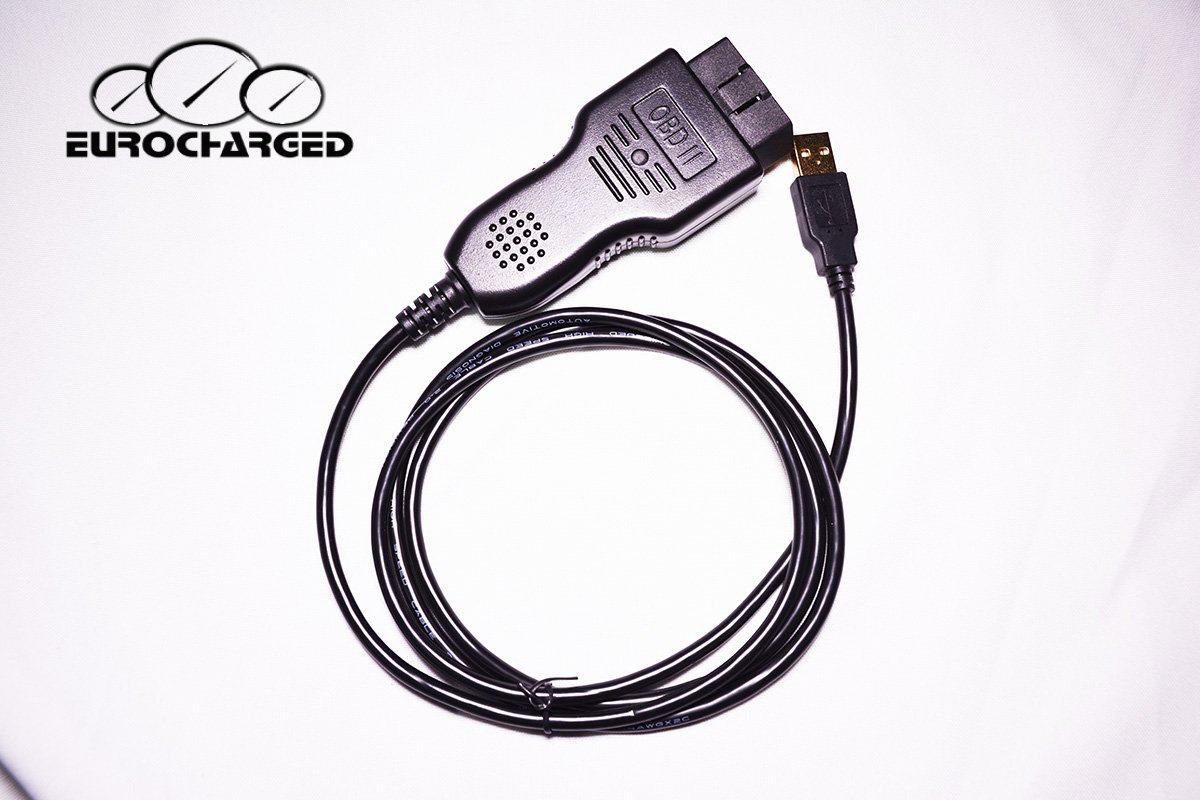
Eurocharged Euroflash cable

Mac users: you will not receive support once the necessary drivers are installed remotely.

Always have a battery charger connected while tuning.

Downloads

Getting started

  1. Plug in the cable to USB port of computer.
  2. Download and install Euroflash V2 software off our website.
  3. Right click on the Euroflash V2 icon.
  4. At the bottom of the pop up page, click on Properties.
  5. Click on the Compatibility tab and check the box to run as Administrator, click Apply and Okay.
  6. Open Euroflash V2 software. It may ask “Do you want this program to make changes to this computer?” Click Yes.
  7. It will ask you “Remembered to run as an administrator…” Click Yes.
  8. The main menu should pop up, it will read “Getting Started” at the top.
  9. On the left, click on the Vehicle Info tab.
  10. The light at the bottom left should be half green.

You can now go out to your car and plug in OBDII.

Retrieving stock .EUI file

  1. Turn the key to position 2. The dash will light up and you'll see how much fuel you have.
  2. Click Next on the screen. Several empty white boxes should appear.
  3. Click Connect at the bottom of the screen. All boxes should fill with information. Click Next.
  4. Fill information for Customer Name, Vehicle Modifications, and Special Requests. Click Next.
  5. Save the file to your desktop so it's easier to find.
  6. You can now turn off your car and close the program.
  7. Email the .EUI file to sales@eurocharged.com along with your invoice.

It is a 24–48 business hour turnaround once we receive your email.

Installing a file — use internet (Wi‑Fi)

  1. Once you receive your tune file (.euc), save it to your desktop. You will not be able to open it because it is encrypted.
    The .euc file has your stock and tune file embedded into one. So you will always have a copy of your stock file as long as you have your .euc file.
  2. Plug the cable into the USB port of your computer and open Euroflash V2. Make sure the light at the bottom left is half green.
    You can now go out to your car and plug in the OBDII.
  3. Turn the key to position 2. The dash will light up and you'll see how much fuel you have.
  4. On the main menu, click the Vehicle Reflash tab.
  5. Click on Select File. This is where you select the tune file you would like to upload.
  6. Once the file is selected, click on Performance. (Or Stock if you are trying to flash back to stock.)
    • After a few moments, the progress bar on the bottom of the screen should start to turn green.
    • Your fans will turn on. DO NOT let this scare you, it's supposed to happen.
  7. After the install reaches 100%, a message should pop up that reads “Turn car off for ten seconds…”
  8. IF a message pops up that reads “Reflash successful, but some packets did not download correctly…”
    • DO NOT PRESS OKAY! You will confuse the ECU and put it in recovery mode.
    • Click the red X to close the message.
    • Turn the car off and close the program.